FMCW Intro - Target speed
You can open this workbook in Google Colab to experiment with mmWrt 
Below is an intro to mmWrt for simple targets position and speed estimation based on 2D FFT Range Doppler
The problem
As distance changes over time, how can FMCW radar measure speed ?
The solution
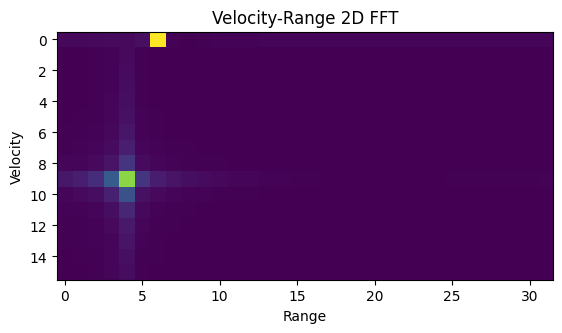
A 2D FFT will allow to measure the speed of the targets
[1]:
# Install a pip package in the current Jupyter kernel
%load_ext autoreload
%autoreload 2
import sys
from os.path import abspath, basename, join, pardir
import datetime

# hack to handle if running from git cloned folder or stand alone (like Google Colab)
cw = basename(abspath(join(".")))
dp = abspath(join(".",pardir))
if cw=="docs" and basename(dp) == "mmWrt":
    # running from cloned folder
    print("running from git folder, using local path (latest) mmWrt code", dp)
    sys.path.insert(0, dp)
else:
    print("running standalone, need to ensure mmWrt is installed")
    !{sys.executable} -m pip install mmWrt
print(datetime.datetime.now())
running from git folder, using local path (latest) mmWrt code c:\git\mmWrt
2026-06-29 21:13:22.168194
[2]:
from os.path import abspath, join, pardir
import sys
import matplotlib.pyplot as plt
import matplotlib.cm as cm
from matplotlib import colors
from numpy import where, expand_dims
from numpy import complex128 as complex

# uncomment below if the notebook is launched from project's root folder
# dp = abspath(join(".",pardir))
# sys.path.insert(0, dp)


from mmWrt.Raytracing import rt_points  # noqa: E402
from mmWrt.Scene import Radar, Transmitter, Receiver, Scatterer  # noqa: E402
from mmWrt import RadarSignalProcessing as rsp  # noqa: E402
from mmWrt import __version__ as mmWrt_ver
print(mmWrt_ver)
0.0.11-pre.3
Step by step
Looking at multiple 1D FFT before doing a 2D FFT
[5]:
from scipy.fft import fft, fft2
c = 3e8

debug_ON = False
test = 0
NC=32
NA=64
fs0 = 1e5
slope0 = 28e10
tic0 = 1.2e-3
bw=0.2e9
chirp_end_time0 = bw/slope0
radar = Radar(transmitter=Transmitter(chirp_end_time=chirp_end_time0, chirp_slope=slope0,
                                      chirp_period=tic0,
                                      chirp_count=NC),
              receiver=Receiver(adc_sample_rate=fs0, adc_sample_count=NA,
                                adc_sample_count_max=256,
                                debug=debug_ON), debug=debug_ON)

x1, v1 = 5, 0
target1 = Scatterer(xt=lambda t: v1*t+x1)
x2, v2 = 3, 0.6
target2 = Scatterer(xt=lambda t: v2*t+x2)

scatterers = [target1, target2]

bb = rt_points([radar], scatterers,
               radar, datatype=complex, debug=debug_ON)
cube = bb["adc_cube"][0,:,0,:]
print(cube.shape)
Z_fft2 = abs(fft2(cube))
Data_fft2 = Z_fft2

plt.xlabel("Range")
plt.ylabel("Velocity")
plt.title('Velocity-Range 2D FFT')
plt.imshow(Data_fft2[0:NC//2,:NA//2])
plt.show()
(32, 64)
Plotting the Range Doppler with units
leveraging the plot_range_doppler utility function
[7]:
from mmWrt.Plots import plot_range_doppler
fig, _, _ = plot_range_doppler(bb["adc_cube"][0,:,0,:], radar, no_speed_shift=False)

# adding comments in picture
fig.text(0.3, 0.5, f"target1: @d={x1}, v={v1}", color="white", fontsize=12)
target1 = plt.Circle((0.22, 0.48), 0.05, fill=False, color="white")
fig.text(0.30, 0.25, f"target2: @d={x2}, v={v2}", color="white", fontsize=12)
target2 = plt.Circle((0.2, 0.25), 0.05, fill=False, color="white")
fig.add_artist(target1)
fig.add_artist(target2)
plt.show()
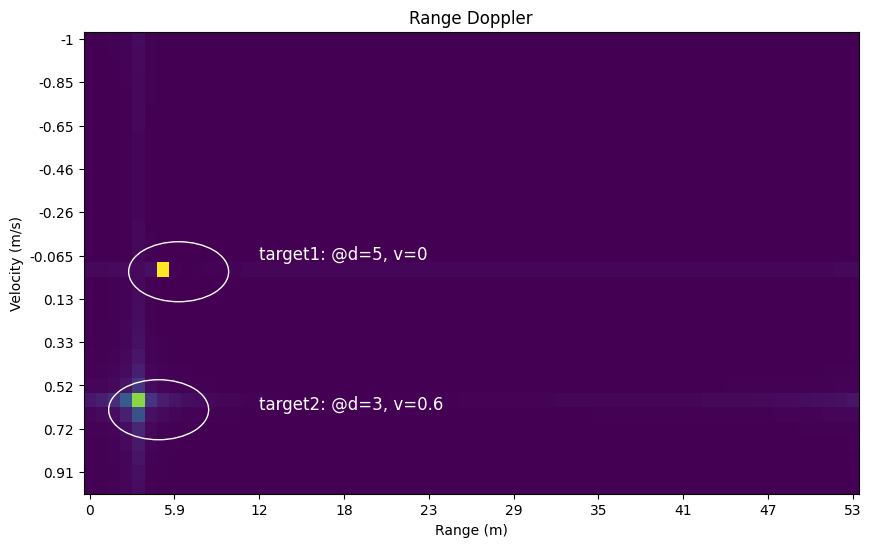
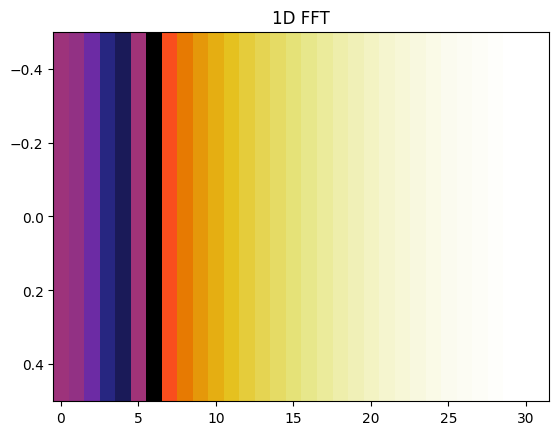
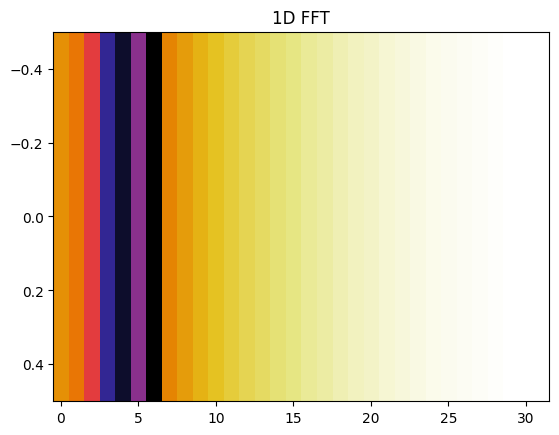
Illustration of 1D FFT and 2D FFT
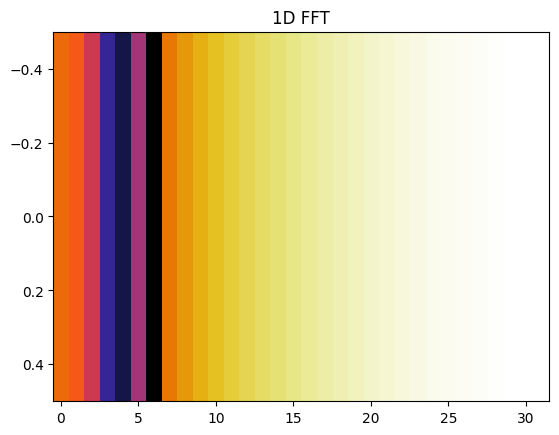
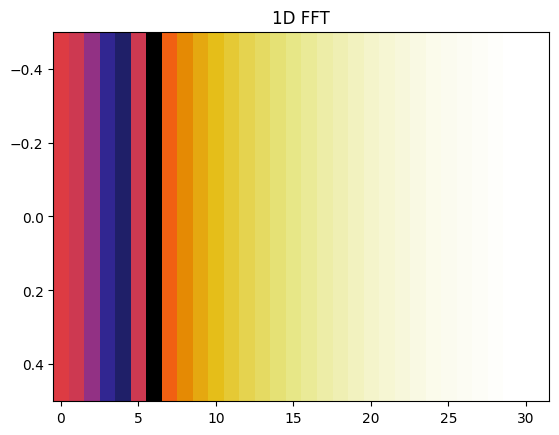
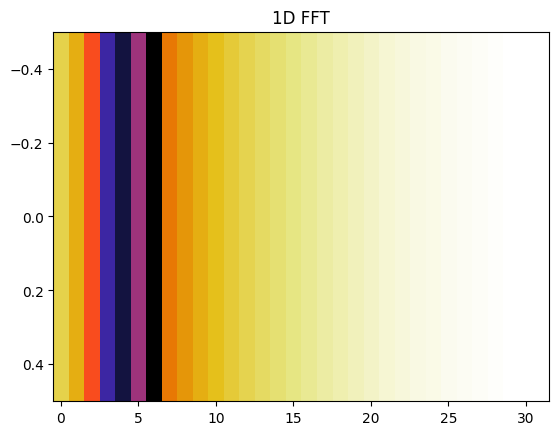
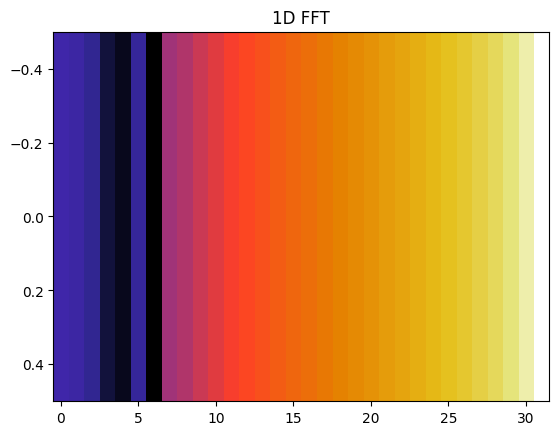
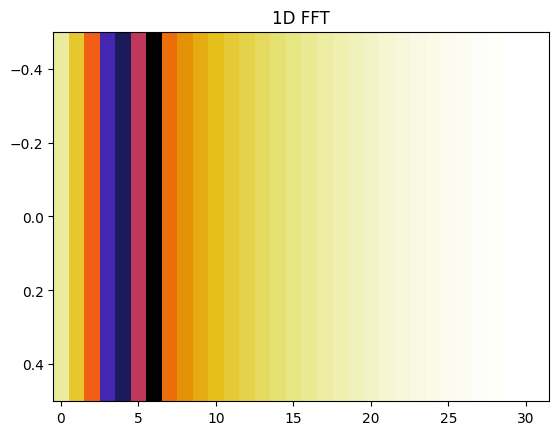
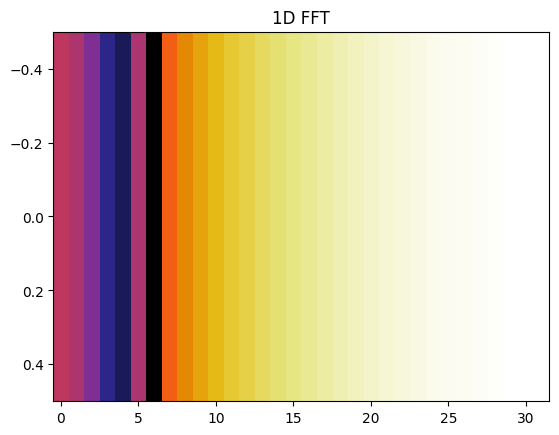
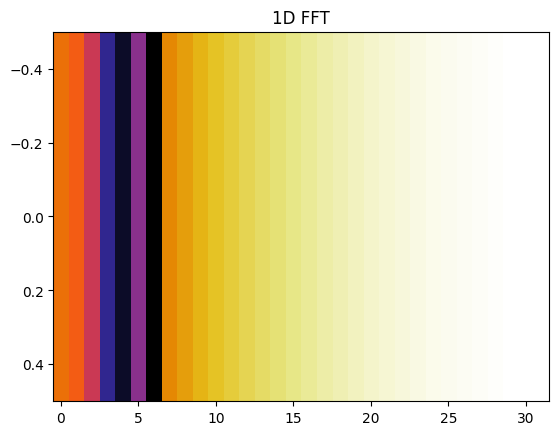
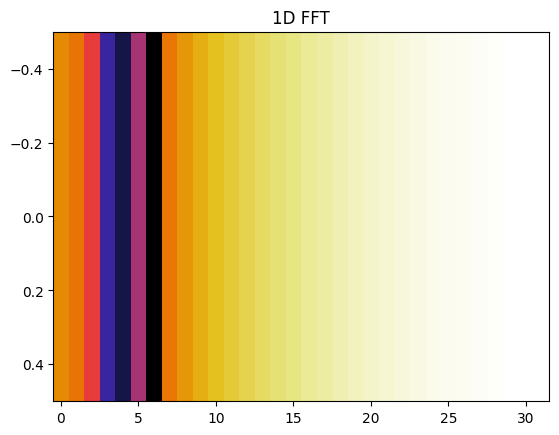
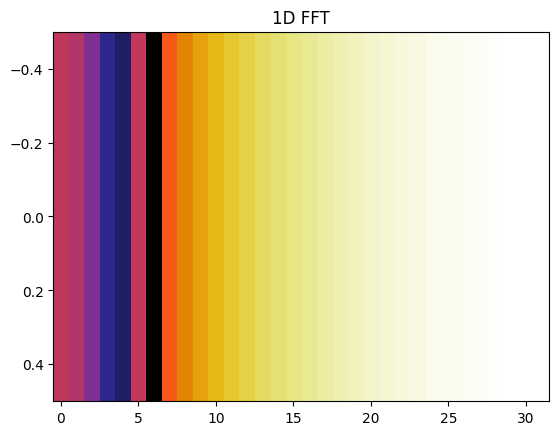
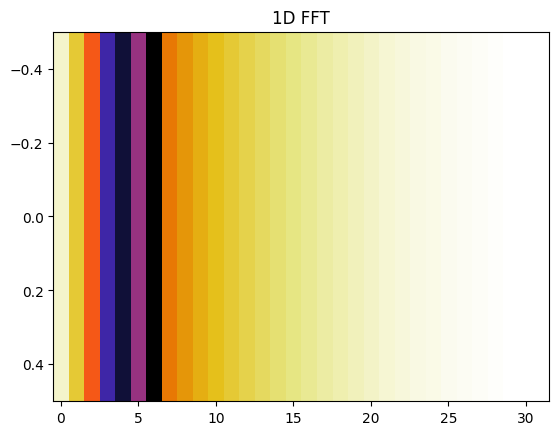
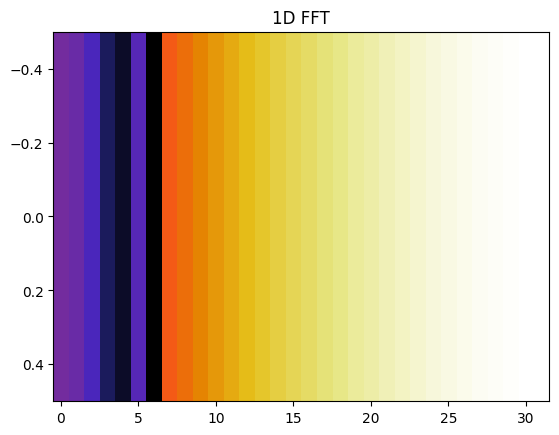
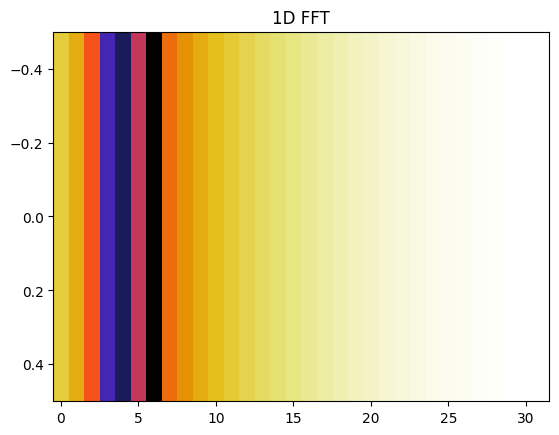
Plot all the range FFT
Scroll output of next cell to see all the range FFTs
[8]:
bb = rt_points([radar], scatterers, radar, debug=debug_ON)
cmap = cm.get_cmap(name='CMRmap_r')
ffts = []
for chirp_i in range(15):
    adc = bb["adc_cube"][0,chirp_i,0,:]
    range_profile = fft(adc)

    mag_r = abs(range_profile[:len(range_profile)//2])
    mag_r = expand_dims(mag_r, axis=0)
    plt.imshow(mag_r, cmap,
           aspect='auto',
           norm=colors.LogNorm(vmin=min(mag_r[0][:]), vmax=max(mag_r[0][:])))
    plt.title("1D FFT")
    # plt.savefig(fp_fft_1D)
    plt.show()
    ffts.append(range_profile[:21])
C:\Users\matth\AppData\Local\Temp\ipykernel_20228\360286218.py:2: MatplotlibDeprecationWarning: The get_cmap function was deprecated in Matplotlib 3.7 and will be removed in 3.11. Use ``matplotlib.colormaps[name]`` or ``matplotlib.colormaps.get_cmap()`` or ``pyplot.get_cmap()`` instead.
  cmap = cm.get_cmap(name='CMRmap_r')
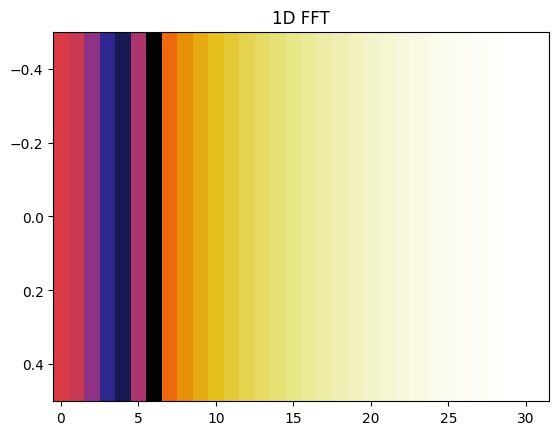
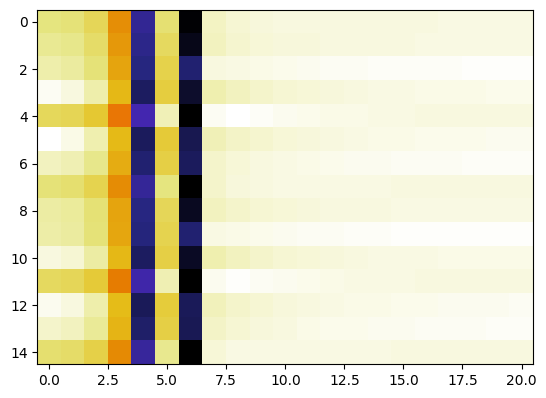
Range FFT on cube
1D FFT on 2D cube, shows 2 targets
[10]:
from numpy import array
ffts = array(ffts)
plt.imshow(abs(ffts), cmap=cmap)
plt.show()
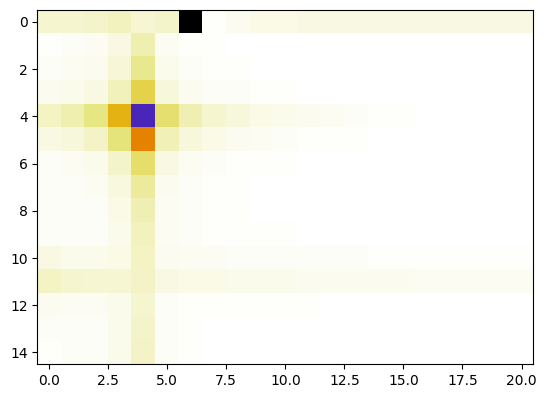
Range Doppler FFT on cube
2nd FFT on 2D cube shows one static target and one moving
similarly as to a 2D FFT would.
[12]:
fft2_from_fft = fft(ffts, axis=0)
plt.imshow(abs(fft2_from_fft), cmap=cmap)
plt.show()
[13]:
# non regression hook, check the index and max value haven't changed
from numpy import argmax, unravel_index, abs as np_abs
flat_index = argmax(np_abs(fft2_from_fft))

# convert to 2D index
i, j = unravel_index(flat_index, fft2_from_fft.shape)
assert (i,j) == (0, 6)
assert np_abs(fft2_from_fft)[i, j]==465.46585
print("last checked on version", mmWrt_ver)
last checked on version 0.0.11-pre.3